
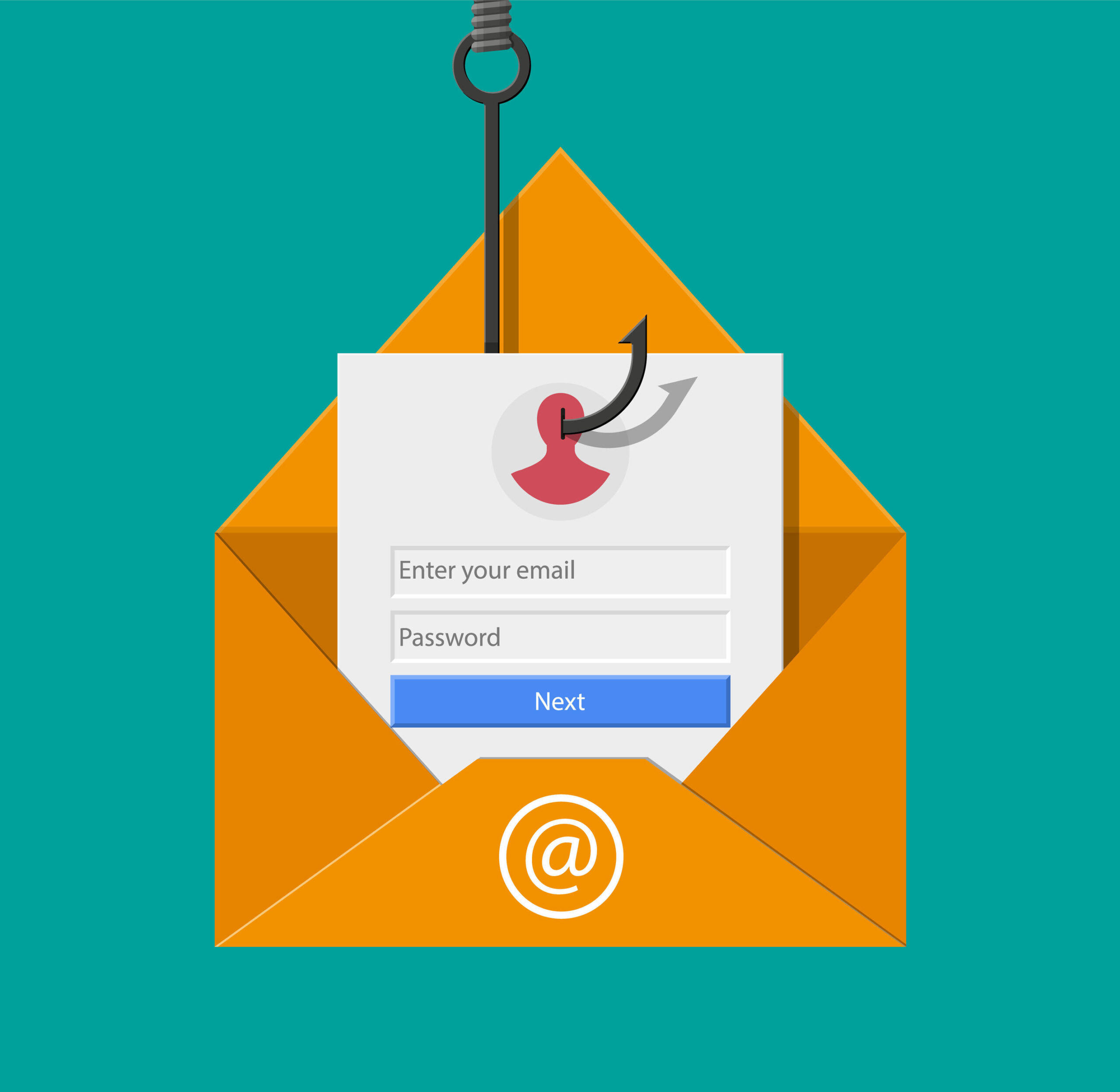
Protect Yourself from Phishing Attacks
Phishing is a type of cyber attack where fraudsters attempt to trick individuals into revealing sensitive information such as usernames, passwords, and credit card details. These attacks often come in the form of deceptive emails, text messages, or websites that appear legitimate but are designed to steal your personal data.
To protect yourself from phishing attacks, it is essential to be vigilant and follow these security measures:
- Be cautious with emails: Be wary of emails requesting personal information or urging you to click on suspicious links. Verify the sender’s email address and look out for spelling errors or unusual requests.
- Avoid clicking on links: Hover over links in emails to see the actual URL before clicking on them. Do not click on links from unknown sources or those that seem suspicious.
- Keep software updated: Ensure that your operating system and antivirus software are up to date with the latest security patches to protect against vulnerabilities that could be exploited by phishing attacks.
- Use strong passwords: Create complex passwords for your online accounts and avoid using the same password across multiple platforms. Consider using a password manager to securely store your login credentials.
- Educate yourself: Stay informed about common phishing techniques and trends. Be cautious when sharing personal information online and be wary of unsolicited requests for sensitive data.
By following these best practices, you can significantly reduce the risk of falling victim to phishing attacks and safeguard your personal information online. Remember that staying vigilant and proactive is key to maintaining your cybersecurity in an increasingly digital world.
Essential Guide to Phishing Security: Answering 7 Key Questions
- What is phishing and how does it work?
- How can I identify a phishing email or message?
- What should I do if I suspect that I have received a phishing email?
- How can I protect myself from falling victim to a phishing attack?
- Are there any common signs that indicate a website is part of a phishing scam?
- Is it safe to click on links in emails from unknown senders?
- What steps should I take if I have unknowingly provided my personal information in response to a phishing attempt?
What is phishing and how does it work?
Phishing is a form of cyber attack where malicious actors attempt to deceive individuals into divulging sensitive information, such as passwords, usernames, and financial details. Typically, phishing attacks are carried out through fraudulent emails, text messages, or websites that appear legitimate to the unsuspecting recipient. The attackers often use social engineering tactics to create a sense of urgency or importance to prompt the victim to disclose their confidential data. By masquerading as a trustworthy entity, such as a bank or a reputable company, phishers aim to trick individuals into providing personal information that can be exploited for fraudulent purposes. It is crucial for individuals to be cautious and verify the authenticity of requests for sensitive data to protect themselves from falling prey to phishing scams.
How can I identify a phishing email or message?
To identify a phishing email or message, it is crucial to look out for red flags that indicate potential fraud. Common signs of a phishing attempt include unfamiliar senders, urgent requests for personal information or financial details, grammatical errors, and suspicious links or attachments. Be wary of emails that create a sense of urgency or use threatening language to prompt immediate action. Always verify the sender’s email address and hover over links to check their legitimacy before clicking on them. Remember that legitimate organisations will never ask you to provide sensitive information via email. Stay vigilant and trust your instincts when assessing the authenticity of an email to protect yourself from falling victim to phishing attacks.
What should I do if I suspect that I have received a phishing email?
If you suspect that you have received a phishing email, it is crucial to take immediate action to protect yourself and your personal information. Do not click on any links or download any attachments in the suspicious email. Instead, verify the sender’s email address and look for any red flags such as spelling errors or requests for sensitive information. Report the phishing email to your email provider or IT department so that they can investigate and take necessary precautions to prevent further attacks. It is also advisable to update your antivirus software and change your passwords for added security. By staying vigilant and responding promptly to suspected phishing attempts, you can help mitigate the risks associated with cyber threats.
How can I protect myself from falling victim to a phishing attack?
To safeguard yourself from falling victim to a phishing attack, it is crucial to exercise caution and remain vigilant when interacting with online communications. Be wary of unsolicited emails or messages requesting personal information and avoid clicking on suspicious links. Verify the authenticity of the sender’s email address and carefully inspect the content for any red flags, such as spelling errors or urgent demands for sensitive data. Additionally, keep your software updated, use strong and unique passwords for your accounts, and educate yourself on common phishing tactics to enhance your awareness and ability to detect potential threats. By adopting these proactive measures and staying informed, you can significantly reduce the risk of becoming a victim of phishing attacks.
Are there any common signs that indicate a website is part of a phishing scam?
When determining if a website is part of a phishing scam, there are several common signs to look out for. One key indicator is the website’s URL, as phishing sites often have slightly altered or misspelled domain names to mimic legitimate ones. Another red flag is the presence of grammatical errors or poor formatting on the webpage, which can indicate a lack of professionalism. Additionally, be cautious if the website requests sensitive information such as passwords or financial details without a valid reason. It is crucial to verify the legitimacy of a website before entering any personal data to protect yourself from falling victim to phishing scams.
Is it safe to click on links in emails from unknown senders?
When it comes to clicking on links in emails from unknown senders, it is generally not safe to do so. Cybercriminals often use phishing emails to deceive recipients into clicking on malicious links that can lead to harmful consequences, such as data theft or malware installation. It is crucial to exercise caution and avoid interacting with links in emails from unfamiliar sources. Always verify the legitimacy of the sender and scrutinize the content of the email for any red flags before considering clicking on any links. Prioritizing your online security by refraining from clicking on links in suspicious emails can help protect your personal information and prevent falling victim to phishing attacks.
What steps should I take if I have unknowingly provided my personal information in response to a phishing attempt?
If you have unknowingly provided your personal information in response to a phishing attempt, it is crucial to act swiftly to mitigate the potential risks. First, change any passwords or login credentials that may have been compromised to prevent unauthorised access to your accounts. Contact your financial institutions and inform them of the situation to monitor for any suspicious activity on your accounts. Additionally, report the phishing attempt to the relevant authorities, such as Action Fraud in the UK, to help prevent others from falling victim to similar scams. Stay vigilant for any signs of identity theft or fraudulent activity and consider placing a fraud alert on your credit report for added protection.