
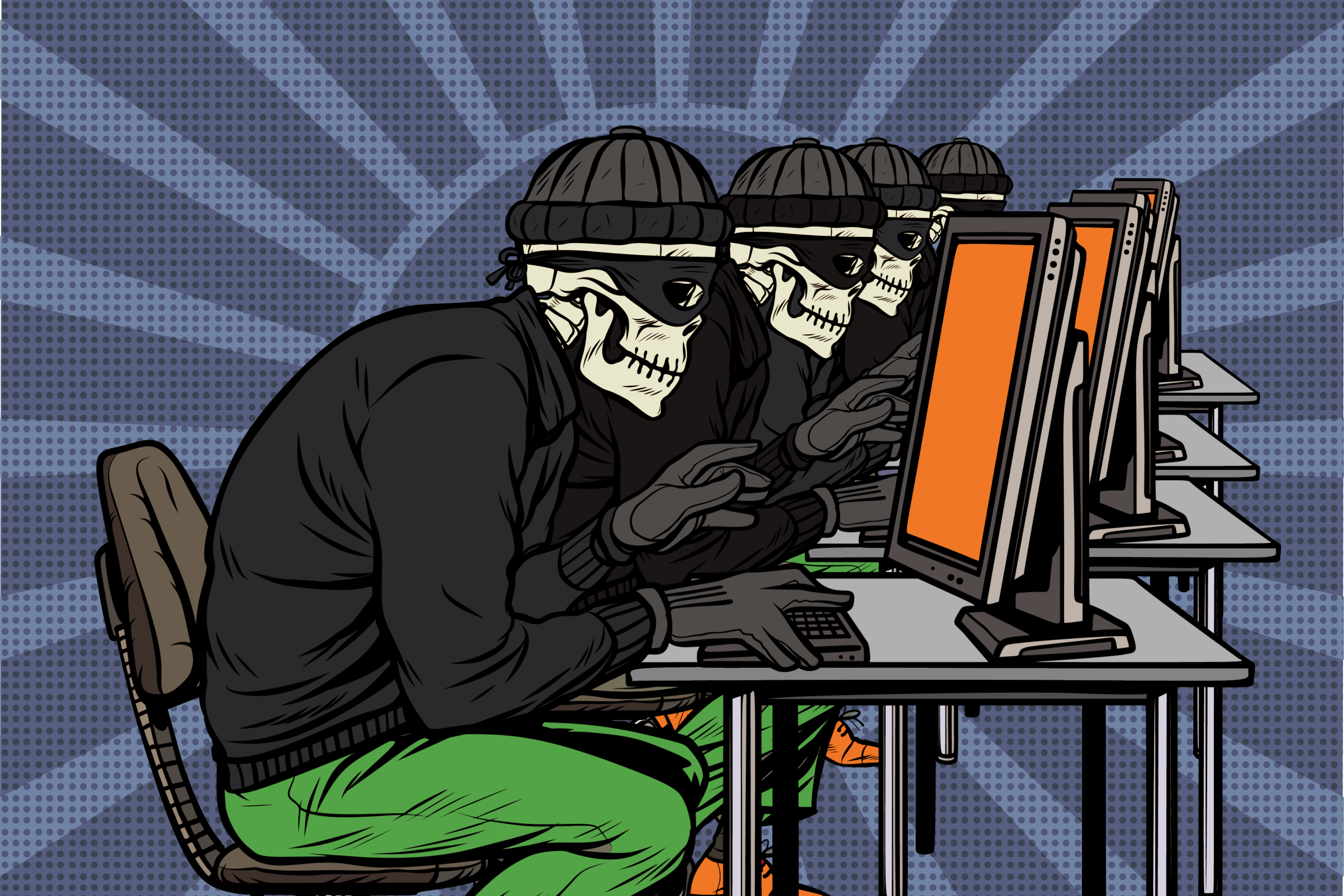
Cyber Crime Safety: How to Protect Yourself Online
Cyber crime can affect anyone who uses the internet. Criminals may try to steal money, access personal information, take over online accounts or trick people into installing harmful software. The good news is that a few sensible habits can make it much harder for them to succeed.
Use strong, unique passwords
Create a different password for each important account. A long passphrase made up of several unrelated words can be easier to remember and harder to guess than a short, complicated password. A reputable password manager can help you create and store unique passwords securely.
Where available, switch on multi-factor authentication (MFA). This asks for an additional proof of identity, such as a code from an authenticator app, as well as your password. It can help protect an account even if your password has been exposed.
Be cautious with unexpected messages
Phishing messages are designed to look as if they come from a trusted organisation, such as a bank, delivery company or government department. They may pressure you to act quickly, open an attachment, follow a link or share personal details.
- Check the sender’s address and look for unusual wording, unexpected requests or a sense of urgency.
- Do not use links in unexpected messages to sign in or make payments. Visit the organisation’s website using a saved bookmark or a web address you type yourself.
- Never share passwords, one-time passcodes or PINs in response to a message or phone call.
- If in doubt, contact the organisation using details from its official website or your bank card.
In the UK, suspicious emails can be forwarded to [email protected]. Suspicious text messages can be forwarded to 7726, free of charge.
Keep devices and software up to date
Updates often fix security weaknesses that criminals could exploit. Turn on automatic updates for your phone, computer, browser, apps and security software where possible. Remove apps and programmes you no longer use, and only download software from trusted sources.
Protect your home network
Change the default password on your router and use a strong password for your Wi-Fi network. Check that the router’s security settings are enabled, and install firmware updates when they are available. Avoid carrying out sensitive tasks on public Wi-Fi; if you need to use it, avoid accessing financial accounts unless you can use a trusted, secure connection.
Shop and pay safely
Before buying from an unfamiliar website, check its contact details, returns policy and independent reviews. Look carefully at the web address, as a padlock icon alone does not prove that a seller is genuine. Be wary of unusually low prices and requests to pay by bank transfer, cryptocurrency or gift card.
When paying, use a payment method that offers appropriate protection and check the amount and recipient before confirming. If someone claiming to be from your bank asks you to move money to a “safe account”, stop: this is a common scam. Call your bank using the number on your card or dial 159 to be connected to your bank, if it is part of the service.
Back up important files
Back up photos, documents and other important files regularly. Keep a copy separate from your main device, such as on an external drive that is disconnected after use or through a reputable cloud service. A backup can help you recover if your device is lost, damaged or affected by ransomware.
Act quickly if something goes wrong
If you think an account has been accessed, change its password from a trusted device and sign out of other sessions if that option is available. Change the same password anywhere else you have used it, and enable MFA. If money or payment details may be at risk, contact your bank immediately using an official number.
Report cyber crime through the official UK reporting service, Report Fraud. If someone is in immediate danger, call 999. Keep relevant emails, messages, receipts and screenshots where it is safe to do so, as they may help with a report.
Make online safety a habit
Staying safe online is not about spotting every threat; it is about slowing down before you act. Use unique passwords and MFA, install updates, check unexpected requests independently and back up important files. These straightforward steps can significantly reduce the risk of becoming a victim of cyber crime.
Essential FAQs on Cyber Crime Safety: Prevention, Risks, and Best Practices
- What are 5 ways to prevent cyber attacks?
- What is safety tips for cyber crime?
- What cyber safety means?
- What is cyber crime and safety?
- What are the 10 ways of preventing cyber crime?
- What are 5 ways we can be cyber safe?
- What are the top 5 cyber security risks?
- What are the 7 most common types of cybercrime?
What are 5 ways to prevent cyber attacks?
Five effective ways to help prevent cyber attacks are to use strong, unique passwords for every account and store them in a password manager; enable multi-factor authentication wherever possible; keep your devices, apps and security software up to date; avoid clicking unexpected links or opening suspicious attachments; and back up important files regularly to a secure location. These steps cannot remove every risk, but they make it harder for criminals to access your accounts, devices and data.
What is safety tips for cyber crime?
Cyber crime safety tips are simple steps that help protect your devices, accounts and personal information online. Use strong, unique passwords and enable multi-factor authentication; keep your devices, apps and security software up to date; and be cautious of unexpected emails, texts, links and attachments. Avoid sharing sensitive details or sending money in response to urgent requests, and verify them through an official contact method. Use secure Wi-Fi, back up important files regularly, and contact your bank promptly if you suspect fraud.
What cyber safety means?
Cyber safety means taking practical steps to protect yourself, your personal information and your devices when using the internet. This includes using strong, unique passwords and multi-factor authentication, keeping software up to date, being cautious with unexpected messages and links, and sharing personal details only with trusted people and services. Good cyber safety habits can reduce the risk of scams, identity theft, account hacking and other forms of cyber crime.
What is cyber crime and safety?
Cyber crime is criminal activity carried out online or using digital devices, such as phishing, identity theft, fraud, hacking and spreading malicious software. Cyber safety means taking practical steps to protect your devices, personal information and online accounts from these threats. Use strong, unique passwords and multi-factor authentication, keep software up to date, and be cautious with unexpected links, attachments and requests for money or personal details.
What are the 10 ways of preventing cyber crime?
There are 10 practical ways to help prevent cyber crime: use a strong, unique password for every account; enable multi-factor authentication; keep your devices, apps and security software up to date; avoid clicking unexpected links or opening suspicious attachments; check website addresses before entering personal or payment details; download apps only from trusted sources; secure your home Wi-Fi router with a strong password; back up important files regularly; limit the personal information you share online; and contact your bank or relevant organisation through official channels if a request seems unusual. These steps cannot remove every risk, but they can make it much harder for criminals to access your accounts or data.
What are 5 ways we can be cyber safe?
Five simple ways to stay cyber safe are to use strong, unique passwords for each account and enable multi-factor authentication; keep your devices, apps and security software up to date; be cautious with unexpected emails, texts and links, especially requests for personal or financial information; use secure connections and trusted websites when shopping or banking online; and back up important files regularly. These habits can help protect your accounts, personal information and devices from common online threats.
What are the top 5 cyber security risks?
The top five cyber security risks are phishing and other social engineering scams, weak or reused passwords, malware such as ransomware, unpatched software and devices, and data breaches caused by insecure systems or accidental disclosure. These threats can lead to stolen personal information, financial loss or loss of access to files and accounts. Reduce your risk by using unique passwords with multi-factor authentication, keeping software up to date, treating unexpected messages with caution, and backing up important data regularly.
What are the 7 most common types of cybercrime?
The seven common types of cybercrime include phishing, where criminals trick people into revealing information; malware, including ransomware that locks files for payment; identity theft; online scams and payment fraud; hacking or taking over accounts; cyberstalking and online harassment; and denial-of-service attacks, which overwhelm websites or services to make them unavailable. These crimes can overlap, so use unique passwords and multi-factor authentication, keep devices updated, and treat unexpected messages and payment requests with caution.