
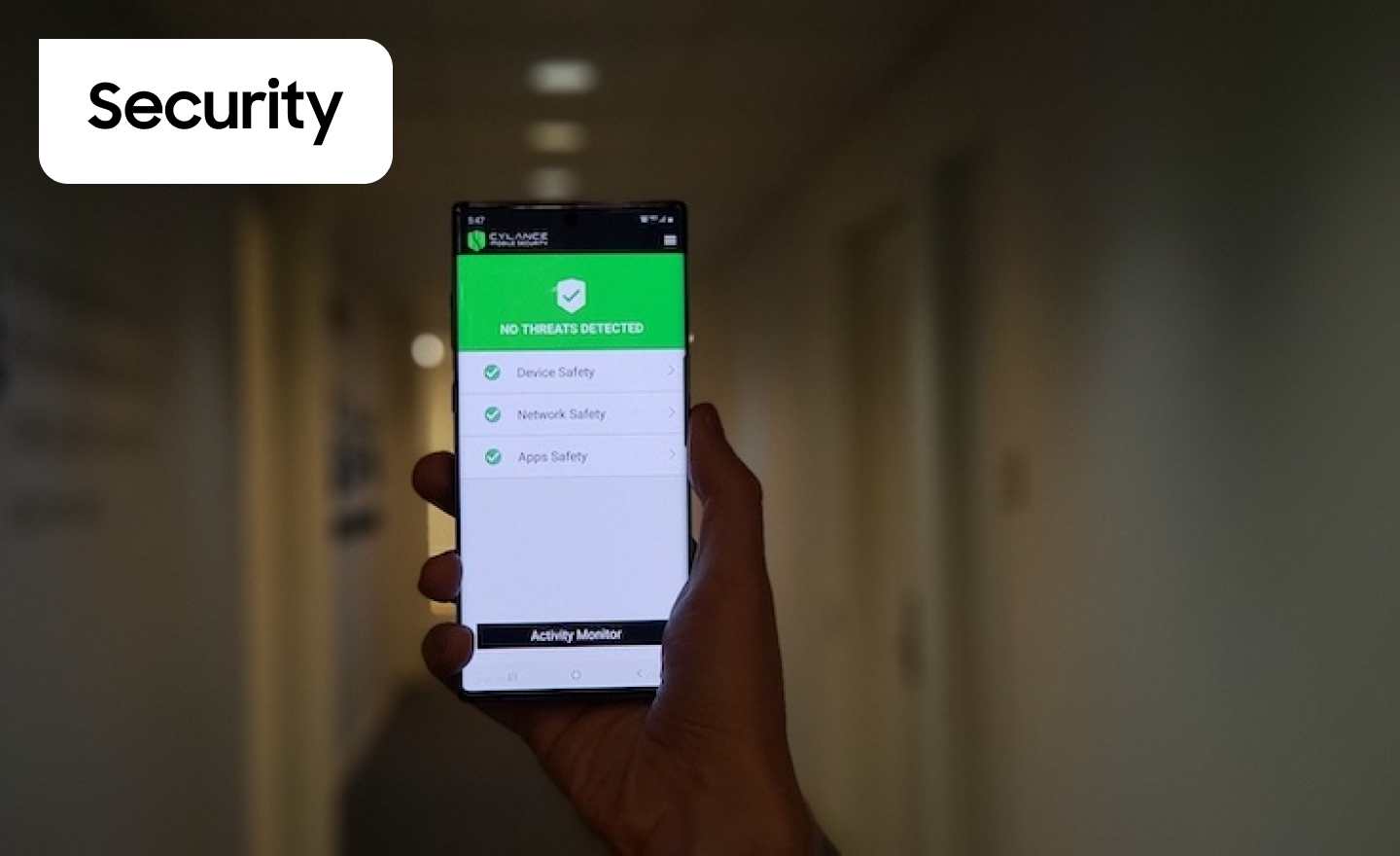
Enterprise Mobile Security Software: Protecting Devices, Data and People
Mobile devices help employees work from almost anywhere, but they also create security challenges for organisations. Smartphones and tablets may connect to company systems over public networks, store sensitive information and run a wide range of apps. If a device is lost, compromised or poorly managed, business data could be put at risk.
Enterprise mobile security software helps organisations manage these risks. It combines tools and policies to protect devices, applications and data, while allowing staff to work productively. The right approach depends on the organisation’s size, industry, devices and working practices.
What is enterprise mobile security software?
Enterprise mobile security software is a broad term for technologies that help businesses secure and manage mobile devices. It may include mobile device management (MDM), unified endpoint management (UEM), mobile threat defence (MTD), app protection and identity controls.
These tools can help IT teams set security requirements, distribute approved apps, monitor for threats and respond when a device is lost or compromised. Some organisations use a single platform; others combine specialist products.
Key features to look for
- Device management: Enrol and configure company-owned devices, apply security settings and keep operating systems up to date.
- Threat detection: Identify risks such as malicious apps, unsafe network connections, suspicious profiles or signs that a device has been compromised.
- Data protection: Enforce encryption, secure access to business information and limit copying or sharing between managed and personal apps.
- Access controls: Require measures such as a passcode, biometrics or multi-factor authentication before users can access business services.
- Remote response: Lock a device, remove business data or revoke access when a device is lost, stolen or no longer trusted.
- Compliance reporting: Give administrators visibility of device status and help demonstrate that organisational policies are being applied.
MDM, UEM and mobile threat defence
MDM focuses on managing mobile devices, including setting configurations and enforcing security policies. UEM extends management across a wider range of endpoints, which may include laptops, desktops and mobile devices. MTD focuses more specifically on detecting and responding to threats targeting mobile devices.
These categories can overlap, and product capabilities vary. When comparing solutions, it is useful to check exactly which operating systems, apps and security controls are supported, rather than relying on product labels alone.
Supporting BYOD without overlooking privacy
Bring your own device (BYOD) schemes allow employees to use personal phones or tablets for work. They can offer flexibility, but organisations need to protect business information without collecting more personal data than necessary.
Where possible, businesses can use work profiles, managed apps or containerisation to separate company information from personal content. Policies should explain what the organisation can see, what actions administrators may take and what happens when an employee leaves. A clear distinction between business and personal data can build trust as well as improve security.
Choosing the right solution
Before selecting software, assess how employees use mobile devices and which systems they need to access. Consider the following questions:
- Which devices and operating systems must be supported?
- Are devices company-owned, personally owned or a mixture of both?
- Which business apps and types of data need protection?
- Can the solution integrate with existing identity, endpoint and security tools?
- How straightforward is enrolment for employees and administration for IT teams?
- What reporting, support and incident-response features are available?
Usability matters. Security controls that are confusing or disruptive may encourage workarounds. Involving IT, security, HR and employees in the evaluation can help balance protection, privacy and ease of use.
Implementation and ongoing management
Successful deployment involves more than installing software. Organisations should define a mobile security policy, decide which devices and apps are permitted, and set proportionate access requirements. A phased rollout can reveal practical issues before the solution is introduced across the business.
Employees should receive straightforward guidance on enrolling devices, recognising suspicious activity and reporting a lost phone. IT teams should regularly review policies, update supported operating systems and test incident procedures. Mobile security is an ongoing process, not a one-off deployment.
Privacy and regulatory considerations in the UK
UK organisations should consider their obligations under applicable data protection law, including the UK GDPR and the Data Protection Act 2018. The right measures depend on the data being handled and the organisation’s circumstances. Businesses should understand what information their security tools collect, who can access it and how long it is retained. Where appropriate, they should consult their data protection officer or obtain specialist advice.
Building a practical mobile security strategy
Enterprise mobile security software can help reduce the risks associated with mobile working, but it works best as part of a broader security programme. Combining appropriate device management, threat detection, access controls, staff awareness and a clear response plan can help protect business information while giving employees the flexibility they need.
Understanding Enterprise Mobile Security Software: Key Questions and Answers
- What is enterprise mobile security software?
- How does enterprise mobile security software protect company data?
- What is the difference between MDM, UEM and mobile threat defence?
- Can enterprise mobile security software protect employees’ personal devices?
- What features should a business look for in mobile security software?
- How much does enterprise mobile security software cost?
What is enterprise mobile security software?
Enterprise mobile security software helps organisations protect and manage the smartphones and tablets employees use for work. Depending on the solution, it can enforce security settings, control access to business apps and data, detect mobile threats, and let IT teams respond if a device is lost or compromised. It may include mobile device management, unified endpoint management and mobile threat defence tools, helping staff work securely while giving organisations greater oversight of their devices and information.
How does enterprise mobile security software protect company data?
Enterprise mobile security software protects company data by enforcing security policies across smartphones and tablets, such as requiring strong passcodes, encryption and up-to-date software. It can help control access to business apps, detect suspicious activity and separate work information from personal data on employee-owned devices. If a device is lost, stolen or compromised, administrators may be able to revoke access, lock it or remove company data remotely. The exact protections vary by product and should be configured to suit the organisation’s needs and privacy requirements.
What is the difference between MDM, UEM and mobile threat defence?
Mobile device management (MDM) focuses on configuring and securing phones and tablets, for example by enforcing passcodes, managing settings and remotely removing business data. Unified endpoint management (UEM) builds on this by managing a wider range of devices—such as mobiles, laptops and desktops—from one platform. Mobile threat defence (MTD) focuses on detecting and responding to mobile-specific risks, including malicious apps, unsafe networks and signs of a compromised device. Their features can overlap, so it is worth checking what each product supports.
Can enterprise mobile security software protect employees’ personal devices?
Yes. Enterprise mobile security software can protect company data accessed on employees’ personal devices, often by creating a separate work profile or secure container for business apps and information. This lets an organisation apply security controls to work data—such as requiring a passcode or removing business content if a device is lost—without necessarily accessing personal photos, messages or apps. The level of control varies between products, so employers should explain clearly what the software can see and manage before employees enrol their devices.
What features should a business look for in mobile security software?
Businesses should look for mobile security software that supports their devices and operating systems, enforces passcodes and encryption, and helps keep software up to date. Useful features include threat detection for malicious apps and unsafe networks, secure access to business data, separation of work and personal information, and remote locking or removal of company data from a lost or compromised device. Centralised management, clear compliance reporting and integration with existing security tools can also make the software easier to administer. Consider usability and privacy, particularly for employee-owned devices, so that protection does not unnecessarily disrupt staff or expose personal information.
How much does enterprise mobile security software cost?
The cost of enterprise mobile security software varies according to the number of users or devices, the features included and the level of support required. Basic mobile device management may be charged per device or user each month, while plans with advanced threat detection, app protection and compliance reporting typically cost more. Some providers offer tiered subscriptions or volume discounts, so compare pricing carefully and check for setup fees, minimum user numbers and additional charges. The best option is one that fits your organisation’s security needs and budget—not simply the cheapest plan.