
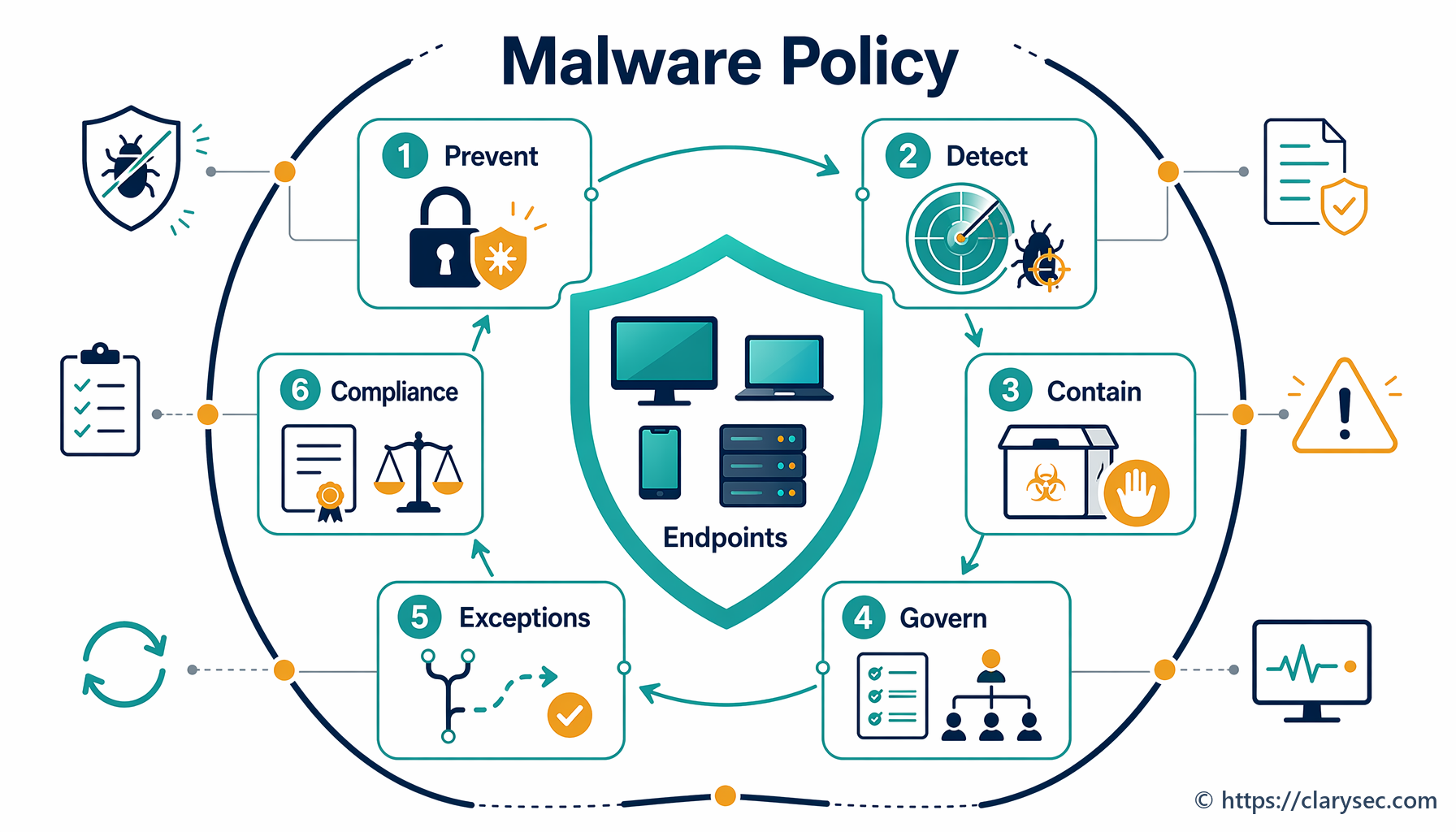
Enterprise Malware Protection: A Practical Guide for Businesses
Malware can disrupt operations, expose sensitive information and damage customer trust. For businesses, the risk extends beyond individual computers: an infection may spread across networks, interrupt essential services or provide a route into cloud systems and other connected environments. Effective enterprise malware protection combines technology, clear processes and informed staff.
What is enterprise malware protection?
Enterprise malware protection is the set of tools and practices an organisation uses to prevent, detect and respond to malicious software. Malware includes viruses, ransomware, spyware, trojans and other programmes designed to steal information, disrupt systems or gain unauthorised access.
Unlike a basic security set-up for a single device, enterprise protection needs to cover a varied environment. This may include employee laptops, servers, mobile devices, email, cloud services, remote connections and specialist equipment.
Why businesses need a layered approach
No single security product can prevent every attack. Malware may arrive through a deceptive email attachment, a compromised website, stolen login details or an unpatched software vulnerability. A layered approach helps reduce the chance of an attack succeeding and limits the impact if one defence fails.
- Endpoint protection: Security software on laptops, desktops and servers can identify suspicious files and behaviour.
- Email and web security: Filtering can help block malicious links, attachments and unsafe downloads.
- Network controls: Firewalls and network monitoring can help restrict unwanted connections and reveal unusual activity.
- Identity security: Multi-factor authentication and carefully managed access rights make compromised accounts harder to exploit.
- Back-ups: Secure, tested back-ups can support recovery after data loss or a ransomware incident.
Key features to look for
When assessing enterprise malware protection, consider how well a solution fits the organisation’s size, systems and risk profile. Useful capabilities may include:
- Central management and clear reporting across devices
- Real-time scanning and detection of suspicious behaviour
- Automatic updates to security software and threat definitions
- Tools to isolate affected devices from the network
- Integration with existing identity, email and security systems
- Support for remote workers and cloud-based services
- Controls that help administrators investigate and respond to alerts
Product names and features vary, so businesses should check what is included, how it is managed and whether it meets their technical and compliance requirements. Independent advice may be helpful when comparing options.
Building a stronger malware defence
Keep systems up to date
Apply security updates to operating systems, applications and network equipment promptly. Where immediate updates are not possible, document the risk and use appropriate safeguards while a plan is put in place.
Limit access
Give staff and services only the permissions they need. Separate administrator accounts from everyday accounts, review access regularly and remove it when it is no longer required. Multi-factor authentication should be enabled wherever available, particularly for administrator and remote access accounts.
Train staff to spot common threats
Security awareness should cover suspicious emails, unexpected attachments, unusual requests for payment and attempts to obtain passwords. Staff should know how to report a concern quickly and should not be blamed for raising a genuine alert.
Protect and test back-ups
Maintain back-ups of important data and systems, and protect them from unauthorised access. Keep copies separated from the main network where appropriate, and test restoration regularly. A back-up that cannot be restored may not be useful during an incident.
Monitor and respond
Decide in advance who will investigate security alerts and what steps they should take. A response plan should cover isolating affected devices, preserving evidence, restoring services and communicating with relevant people. Regular exercises can help reveal gaps before a real incident occurs.
Choosing the right solution
Start by identifying the devices, users and services that need protection. Consider the sensitivity of the data they handle, the consequences of downtime and any legal or regulatory obligations. Then assess solutions against these needs, including ease of deployment, administration, support, scalability and total cost.
It is also important to understand who is responsible for each part of the security set-up. A supplier may manage the software, but the business still needs clear processes for updates, access, back-ups and incident response.
Conclusion
Enterprise malware protection is most effective when it is treated as an ongoing part of business security, rather than a one-off software purchase. Combining suitable security tools with timely updates, restricted access, staff awareness, reliable back-ups and a tested response plan can help an organisation reduce risk and recover more effectively if malware gets through.
Essential FAQs on Enterprise Malware Protection: Understanding Endpoint Solutions, Evaluating Malwarebytes, Effectiveness of Protection, and Choosing the Best Antivirus
- What is enterprise endpoint protection?
- Is Malwarebytes good for enterprise?
- Is malware protection 100% effective?
- Which antivirus is best for enterprise?
What is enterprise endpoint protection?
Enterprise endpoint protection is security software and management technology that helps protect a business’s devices—such as laptops, desktops, servers and mobile devices—from malware and other cyber threats. It can monitor activity, detect and block suspicious behaviour, and help administrators investigate or isolate affected devices. Unlike consumer antivirus, enterprise solutions are typically managed centrally, making it easier for IT teams to apply security policies and oversee protection across the organisation.
Is Malwarebytes good for enterprise?
Malwarebytes can be a good option for enterprise malware protection, particularly for organisations seeking centrally managed endpoint security and tools to detect and respond to threats. Its suitability depends on your environment, required features, deployment scale and existing security systems, so compare the current business plans, support options and integrations against your needs. Consider testing it across a representative set of devices before wider deployment, and assess it as part of a broader security strategy that includes patching, access controls, staff training and reliable backups.
Is malware protection 100% effective?
No malware protection can be 100% effective. New threats and attack methods emerge constantly, and even well-protected organisations may face risks such as previously unknown malware, compromised accounts or human error. A layered approach—combining security software with timely updates, multi-factor authentication, staff training, restricted access, secure back-ups and a clear incident response plan—can reduce the likelihood and impact of an attack, but it cannot eliminate risk entirely.
Which antivirus is best for enterprise?
There is no single antivirus solution that is best for every enterprise. The right choice depends on your organisation’s size, devices, working practices, budget and security requirements. Look for centrally managed endpoint protection with real-time threat detection, prompt updates, clear reporting and tools to isolate compromised devices. Consider how well it integrates with your existing systems, the quality of support and whether it meets your compliance needs. Compare independent test results and assess solutions against your organisation’s specific risks before deciding.