
Acronis Email Security: protecting your inbox from modern threats
Email remains one of the most common ways for cyber criminals to reach individuals and businesses. A convincing message can encourage someone to reveal a password, open a harmful attachment or send money to the wrong account. Acronis email security is designed to help reduce these risks by adding protection to business email services.
What is Acronis email security?
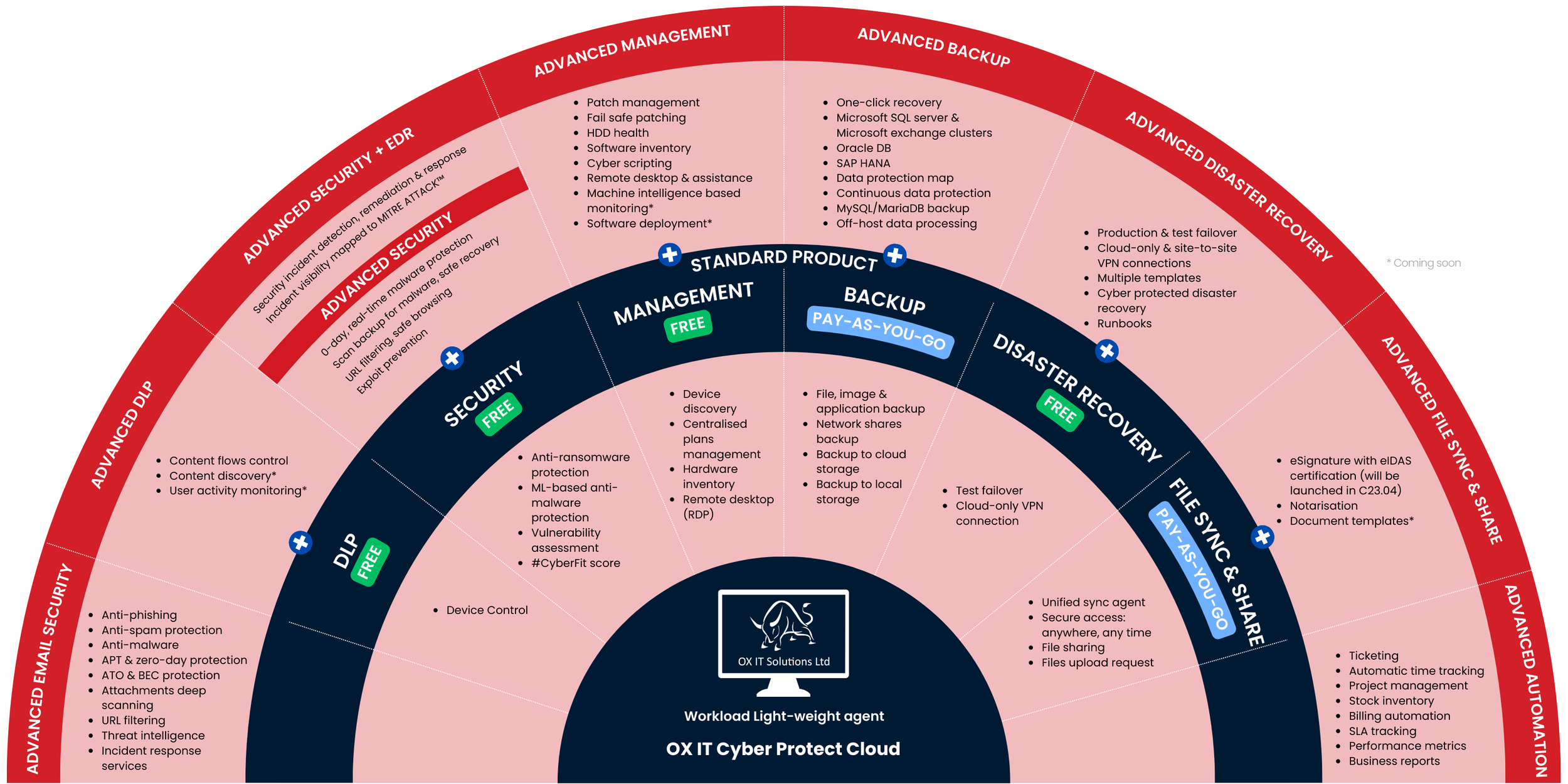
Acronis offers email security as part of its wider cyber protection offering. Depending on the service and configuration, it can help detect and block unwanted or harmful messages before they reach users’ inboxes. Protection may include checks for spam, phishing attempts, malicious links and infected attachments.
Available features and supported email platforms can vary by Acronis product, subscription and service provider. Businesses should check the current product details and compatibility requirements before choosing a solution.
Why email protection matters
Cyber criminals often make fraudulent emails look as though they have come from a trusted colleague, supplier or organisation. These messages may use urgent language, imitate familiar branding or refer to an expected invoice. Even careful users can be caught out, particularly when an email arrives during a busy working day.
Email security helps by screening messages for suspicious content and reducing the number of threats users need to handle themselves. It is an important layer of protection, though no security tool can guarantee that every harmful message will be stopped.
Potential benefits for businesses
- Reduced exposure to email threats: Filtering can help identify suspicious messages, links and attachments.
- Support for staff: Fewer unwanted or dangerous emails can make it easier for employees to focus on legitimate messages.
- Part of a broader security strategy: Email protection can sit alongside endpoint security, backup and other cyber protection measures.
- Centralised administration: Depending on the edition and deployment, administrators may be able to manage protection and review security activity from a central interface.
Email security is strongest as part of a wider approach
Technology is only one part of staying safe. Businesses should also encourage staff to verify unexpected payment requests, check suspicious links carefully and report unusual messages. Multi-factor authentication can make compromised passwords less useful to attackers, while secure, tested backups can help an organisation recover from certain incidents.
It is also sensible to review access permissions, keep software up to date and make sure employees know how to report a suspected phishing attempt. These measures complement email filtering rather than replace it.
Choosing an Acronis email security solution
Before adopting Acronis email security, consider which email platform your organisation uses, how many accounts need protection and who will manage the service. Ask about setup, policy controls, reporting, support and how the solution works with your existing security tools. If purchasing through a managed service provider, confirm which features are included in the package.
Acronis email security can form a useful layer in a business’s defences against email-borne threats. With suitable configuration, staff awareness and other security measures in place, it can help organisations reduce risk and protect day-to-day communications.
Enhancing Cyber Safety: 9 Benefits of Acronis Email Security
- Helps filter spam and suspicious emails
- Can detect phishing attempts
- Scans links and attachments for threats
- Adds a layer to your cyber security
- Helps reduce inbox clutter
- Supports safer business communications
- Can complement endpoint protection
- May offer centralised administration
- Helps staff focus on legitimate messages
Considerations for Using Acronis Email Security: Potential Limitations and Challenges
- Features can vary by product and subscription.
- May require careful setup and ongoing management.
- Email filtering can occasionally flag legitimate messages.
- Does not replace staff training or wider security measures.
Helps filter spam and suspicious emails
Acronis email security helps filter spam and suspicious emails before they clutter users’ inboxes. By identifying messages that may contain phishing attempts, harmful links or unwanted content, it can reduce the chance of employees interacting with risky emails and make it easier to focus on legitimate communications. It works best alongside staff awareness and other security measures, as no filter can catch every threat.
Can detect phishing attempts
Acronis email security can help detect phishing attempts by analysing incoming messages for suspicious signs, such as deceptive sender details, unusual links or misleading content. Identifying these warning signs can help prevent fraudulent emails from reaching users and reduce the chance of someone sharing sensitive information or clicking through to a harmful website. It works best alongside staff awareness and good security practices, as no email filter can catch every phishing message.
Scans links and attachments for threats
Acronis email security scans links and attachments for potential threats, helping to identify suspicious content before it reaches users or is opened. This can reduce the risk of phishing, malware and other email-borne attacks, while giving staff an extra layer of protection alongside good security habits.
Adds a layer to your cyber security
Acronis email security adds an extra layer to your organisation’s cyber security by helping to identify and filter suspicious emails, such as phishing messages and emails containing harmful links or attachments. Used alongside measures such as strong passwords, multi-factor authentication and staff training, it can help reduce the chance of email threats reaching users and contributing to a security incident.
Helps reduce inbox clutter
Acronis email security can help reduce inbox clutter by filtering spam and other unwanted messages before they reach employees. With fewer irrelevant emails to sort through, staff can focus more easily on important conversations and day-to-day tasks. This filtering also helps separate suspicious messages from legitimate correspondence, although users should still stay alert to unexpected or unusual emails.
Supports safer business communications
Acronis email security supports safer business communications by helping to identify and filter suspicious emails, including potential phishing messages and harmful attachments. This can reduce the chance of staff interacting with fraudulent content and help protect sensitive information shared by email. For the best results, combine email protection with staff awareness, strong passwords and multi-factor authentication.
Can complement endpoint protection
Acronis email security can complement endpoint protection by helping to identify suspicious messages, links and attachments before they cause harm, while endpoint tools monitor devices for threats that may get through. Together, these layers can provide broader coverage across both incoming email and the computers employees use. They work best as part of a wider security approach that also includes staff training, multi-factor authentication and reliable backups.
May offer centralised administration
Acronis email security may offer centralised administration, giving authorised staff a single place to manage email protection settings and review security activity. This can make it easier for businesses to apply consistent policies across users and respond to potential threats. Available controls and reporting depend on the Acronis product, subscription and configuration.
Helps staff focus on legitimate messages
Acronis email security can help staff focus on legitimate messages by filtering out spam and flagging potentially harmful emails before they clutter inboxes. With fewer distractions and suspicious messages to sort through, employees can spend more time on their everyday work while remaining alert to threats that may still get through.
Features can vary by product and subscription.
One potential drawback of Acronis email security is that its features can vary depending on the product, subscription and service provider. This can make it harder to compare plans or know exactly which protections and management tools are included. Before choosing a package, check the current feature list and confirm that it meets your organisation’s needs.
May require careful setup and ongoing management.
Acronis email security may require careful setup and ongoing management to work effectively. Administrators need to configure filtering policies to suit their organisation, check that legitimate messages are not being blocked, and review settings as staff, systems and threats change. This can take time and may require technical expertise, particularly for smaller businesses without a dedicated IT team.
Email filtering can occasionally flag legitimate messages.
A potential drawback of Acronis email security is that its filters may occasionally flag legitimate messages as spam or suspicious. This can delay important emails or place them in a quarantine folder, meaning users may need to check filtered messages and ask an administrator to release anything incorrectly blocked. Regularly reviewing filtering settings and quarantine reports can help reduce disruption, although some false positives may still occur.
Does not replace staff training or wider security measures.
Although Acronis email security can help detect and filter suspicious messages, it does not replace staff training or wider security measures. Employees still need to recognise potential phishing attempts, handle unexpected attachments carefully and report unusual emails. Businesses should also use complementary protections, such as multi-factor authentication, up-to-date software, appropriate access controls and reliable backups, as no email security solution can prevent every threat.