
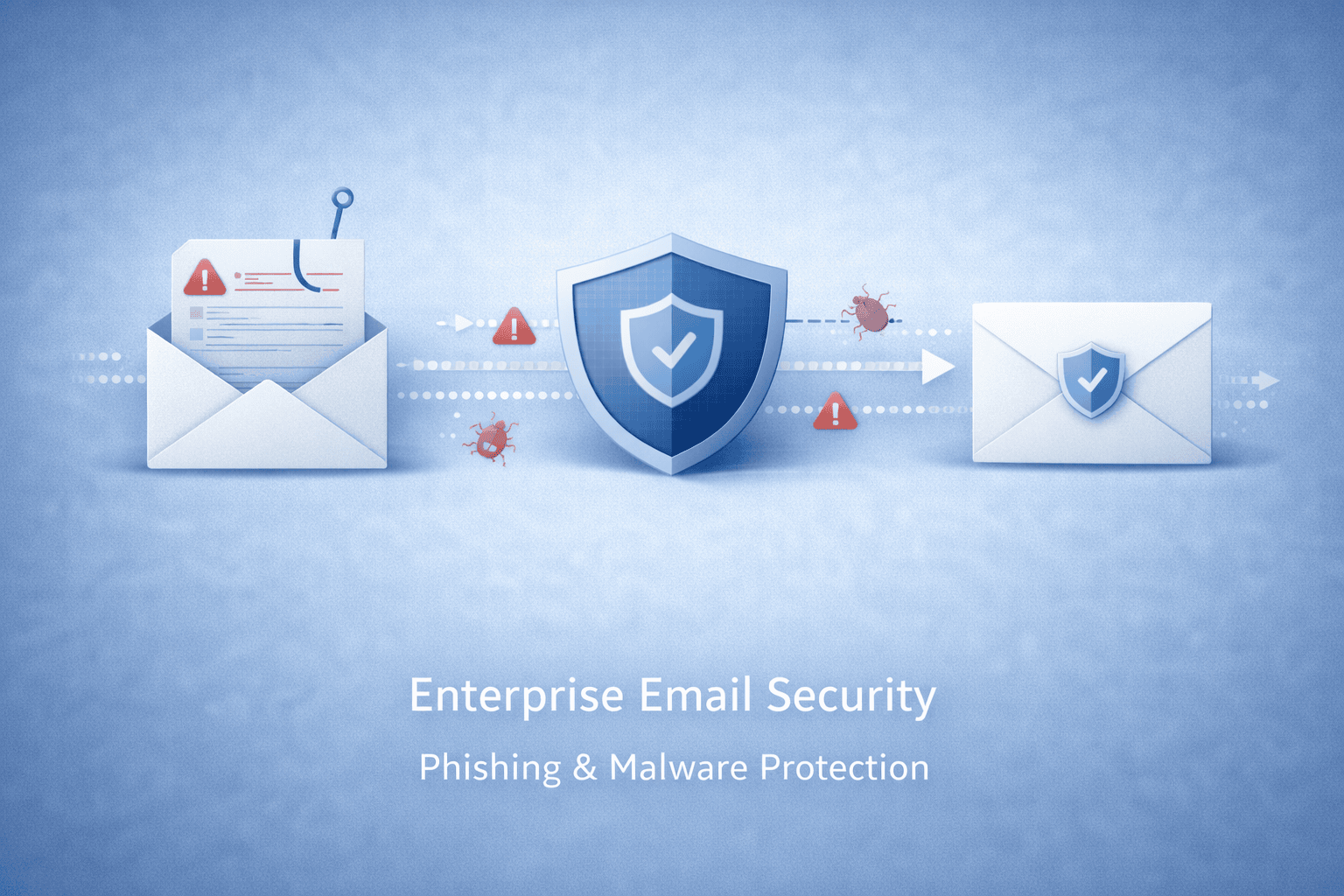
Acronis Advanced Email Security: A Guide for UK Businesses
Email remains one of the most common ways for cyber criminals to target businesses. Phishing messages, malicious attachments and impersonation scams can put sensitive information and business systems at risk. Acronis Advanced Email Security is designed to add a layer of protection against these threats, helping organisations safeguard email alongside their wider cyber security measures.
What is Acronis Advanced Email Security?
Acronis Advanced Email Security is an email protection solution for organisations using supported email platforms. It analyses messages and their contents to identify suspicious activity, including potential phishing attempts, malicious files and harmful links. The service is designed to work alongside existing email environments rather than replace the need for good security practices and user awareness.
Available features and integrations can depend on the product edition, configuration and email platform. Businesses should check the latest Acronis product information to confirm which capabilities are included in their chosen plan.
How does it help protect email?
Email threats can be difficult to spot. Some messages are carefully written to look like genuine requests from colleagues, suppliers or familiar organisations. Others use links or attachments to try to install malware or steal login details. Acronis Advanced Email Security is intended to assess email threats and help prevent dangerous content from reaching or affecting users.
Depending on the configuration, protection may include checks for phishing, malware, suspicious links and harmful attachments. Some solutions also provide tools to review or remediate messages after delivery. These measures can help reduce exposure, but they cannot guarantee that every threat will be detected.
Potential benefits for businesses
- Added protection: Provides another layer of defence alongside the security features already available in an organisation’s email platform.
- Support for threat detection: Helps identify suspicious messages and potentially harmful content.
- Centralised administration: Depending on the setup, administrators may be able to manage protection and review security activity through a central console.
- Part of a wider security strategy: Acronis products can be used as part of a broader approach to cyber protection and data security.
Is it right for your organisation?
Acronis Advanced Email Security may be worth considering if your business relies heavily on email, handles sensitive information or wants additional protection against phishing and malware. Before choosing a solution, assess your current email security, the platforms your staff use, your compliance requirements and the level of support you need.
It is also important to understand how the service is deployed, what data it processes, which threats it covers and how alerts are managed. Ask your provider about licensing, compatibility, setup requirements and any features that may depend on your subscription.
Email security still needs people and processes
Technology is only one part of email security. Staff should know how to report suspicious messages, verify unusual payment or account-change requests through a separate channel, and avoid opening unexpected attachments or links. Strong authentication, regular software updates and clear procedures for responding to incidents can further reduce risk.
Conclusion
Acronis Advanced Email Security is designed to help businesses strengthen their defences against email-based threats. It can form a useful part of a wider cyber security plan, particularly when combined with staff training, effective account controls and a tested incident response process. As features and integrations may vary, review the current product details and confirm that the solution meets your organisation’s needs before making a decision.
Essential FAQs: Understanding Acronis Advanced Email Security Features and Setup
- What is Acronis Advanced Email Security?
- How does Acronis Advanced Email Security protect against phishing and malware?
- Which email platforms are compatible with Acronis Advanced Email Security?
- How do I set up and manage Acronis Advanced Email Security?
- How much does Acronis Advanced Email Security cost?
What is Acronis Advanced Email Security?
Acronis Advanced Email Security is a solution designed to help businesses protect email accounts from threats such as phishing, malware and malicious links or attachments. It adds a layer of security to an organisation’s email environment, helping to identify suspicious messages and reduce the risk of users being exposed to harmful content. Its features and compatibility may vary depending on the plan and configuration.
How does Acronis Advanced Email Security protect against phishing and malware?
Acronis Advanced Email Security helps protect against phishing and malware by analysing incoming emails for suspicious content, including deceptive links, malicious attachments and signs of impersonation. Depending on the product configuration, it can flag or block potential threats before they reach users, helping reduce the risk of stolen credentials or infected devices. No email security solution can catch every threat, so it should be combined with staff awareness training, strong authentication and clear procedures for reporting suspicious messages.
Which email platforms are compatible with Acronis Advanced Email Security?
Acronis Advanced Email Security is designed to integrate with business email platforms such as Microsoft 365 and Google Workspace. Compatibility can depend on your subscription, configuration and the product version, so check Acronis’ latest documentation or speak to your provider before deployment.
How do I set up and manage Acronis Advanced Email Security?
To set up and manage Acronis Advanced Email Security, sign in to the relevant Acronis management console, activate the service for your subscription and connect the supported email platform, following the setup instructions for your environment. You can then configure protection policies and apply them to the appropriate users or groups. Ongoing management typically includes reviewing alerts and reports, checking quarantined messages, adjusting policies and keeping an eye on service status. Exact steps and available controls can vary by subscription and email platform, so refer to Acronis’ current documentation or contact your IT provider for guidance.
How much does Acronis Advanced Email Security cost?
The cost of Acronis Advanced Email Security can vary depending on factors such as the number of users or mailboxes, subscription term, selected plan and supplier. As pricing may change, check Acronis’s current pricing or contact an authorised UK reseller for a quote tailored to your organisation.