
The Best VPNs for Public WiFi Security
Public WiFi networks are convenient but can also be a hotspot for cyber threats. Using a Virtual Private Network (VPN) is essential to secure your data and privacy when connecting to public WiFi hotspots. Here are some of the best VPN services recommended for public WiFi:
ExpressVPN
ExpressVPN is known for its fast and reliable service, making it ideal for public WiFi use. With strong encryption and a strict no-logs policy, ExpressVPN ensures your online activities remain private and secure.
NordVPN
NordVPN offers top-notch security features, including double encryption and an automatic kill switch, to protect your data on public WiFi networks. It has a vast server network worldwide, ensuring fast and stable connections wherever you go.
CyberGhost
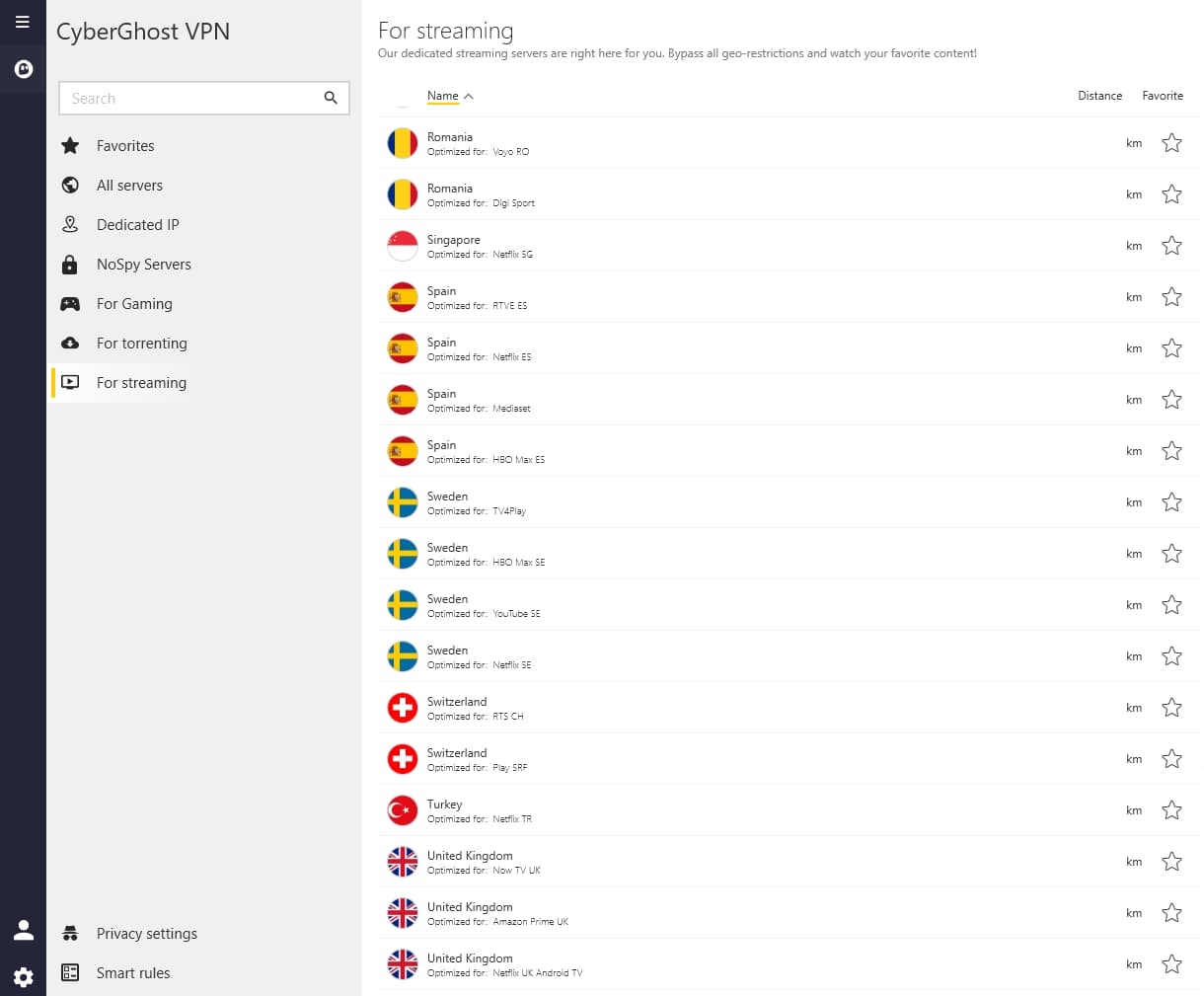
CyberGhost is user-friendly and provides robust security features to keep your data safe on public WiFi. Its dedicated servers for streaming and torrenting make it a versatile choice for both security and entertainment purposes.
Surfshark
Surfshark is a budget-friendly option that doesn’t compromise on security or performance. With unlimited simultaneous connections and strong encryption protocols, Surfshark is an excellent choice for protecting your devices on public WiFi networks.
When choosing a VPN for public WiFi, look for features such as strong encryption, a no-logs policy, and a kill switch to ensure your online activities are shielded from prying eyes. Stay safe and secure while enjoying the convenience of public WiFi with a reliable VPN service.
Top 6 Tips for Choosing the Best VPN for Public WiFi Security
- Choose a VPN with strong encryption to protect your data on public WiFi networks.
- Look for a VPN that has a strict no-logs policy to ensure your online activities remain private.
- Consider the server coverage of the VPN provider to ensure you can access geo-restricted content while on public WiFi.
- Opt for a VPN with fast connection speeds to prevent lags or buffering while browsing on public WiFi networks.
- Check if the VPN has features like kill switch and DNS leak protection for added security on public WiFi connections.
- Read reviews and compare different VPN options to find one that best suits your needs when using public WiFi.
Choose a VPN with strong encryption to protect your data on public WiFi networks.
When selecting a VPN for public WiFi usage, opt for a service that offers robust encryption to safeguard your data from potential threats on insecure networks. Strong encryption ensures that your sensitive information remains secure and inaccessible to malicious actors, providing you with peace of mind while browsing or conducting online activities in public settings. By choosing a VPN with advanced encryption protocols, you can fortify your digital privacy and protect your data integrity effectively.
Look for a VPN that has a strict no-logs policy to ensure your online activities remain private.
When selecting a VPN for public WiFi security, it is crucial to prioritise providers with a strict no-logs policy. By opting for a VPN that does not store your online activities, you can rest assured that your privacy remains intact while browsing on public networks. This feature ensures that your internet usage is not tracked or recorded, enhancing your digital anonymity and safeguarding your sensitive information from potential threats.
Consider the server coverage of the VPN provider to ensure you can access geo-restricted content while on public WiFi.
When selecting the best VPN for public WiFi, it is crucial to consider the server coverage of the VPN provider. A wide range of server locations ensures that you can access geo-restricted content securely while connected to public WiFi networks. By choosing a VPN with extensive server coverage, you can enjoy unrestricted access to your favourite websites and streaming services, regardless of your physical location. This feature adds an extra layer of convenience and versatility to your online experience, making it essential for those who value both security and accessibility while using public WiFi.
Opt for a VPN with fast connection speeds to prevent lags or buffering while browsing on public WiFi networks.
When selecting a VPN for public WiFi, it is advisable to opt for a service that offers fast connection speeds. By choosing a VPN with swift performance, you can avoid lags or buffering issues while browsing on public WiFi networks. Fast connection speeds ensure a seamless and uninterrupted online experience, allowing you to stay secure without compromising on browsing efficiency.
Check if the VPN has features like kill switch and DNS leak protection for added security on public WiFi connections.
When selecting a VPN for public WiFi usage, it is crucial to consider features like a kill switch and DNS leak protection for enhanced security. A kill switch ensures that your internet connection is instantly cut off if the VPN connection drops, preventing any data leaks to unsecured networks. Additionally, DNS leak protection safeguards your browsing activities from being exposed by ensuring that all DNS requests are routed through the encrypted VPN tunnel. These features are essential for maintaining privacy and security when connecting to public WiFi networks, offering peace of mind in an environment prone to cyber threats.
Read reviews and compare different VPN options to find one that best suits your needs when using public WiFi.
When utilising public WiFi, it is crucial to read reviews and compare various VPN options to identify the one that aligns best with your specific requirements. By conducting thorough research and considering factors such as security features, server locations, speed, and user feedback, you can select a VPN service that provides optimal protection for your data and privacy while connected to public WiFi networks. Making an informed decision based on reviews and comparisons ensures that you have a reliable ally in safeguarding your online activities in potentially risky environments.