
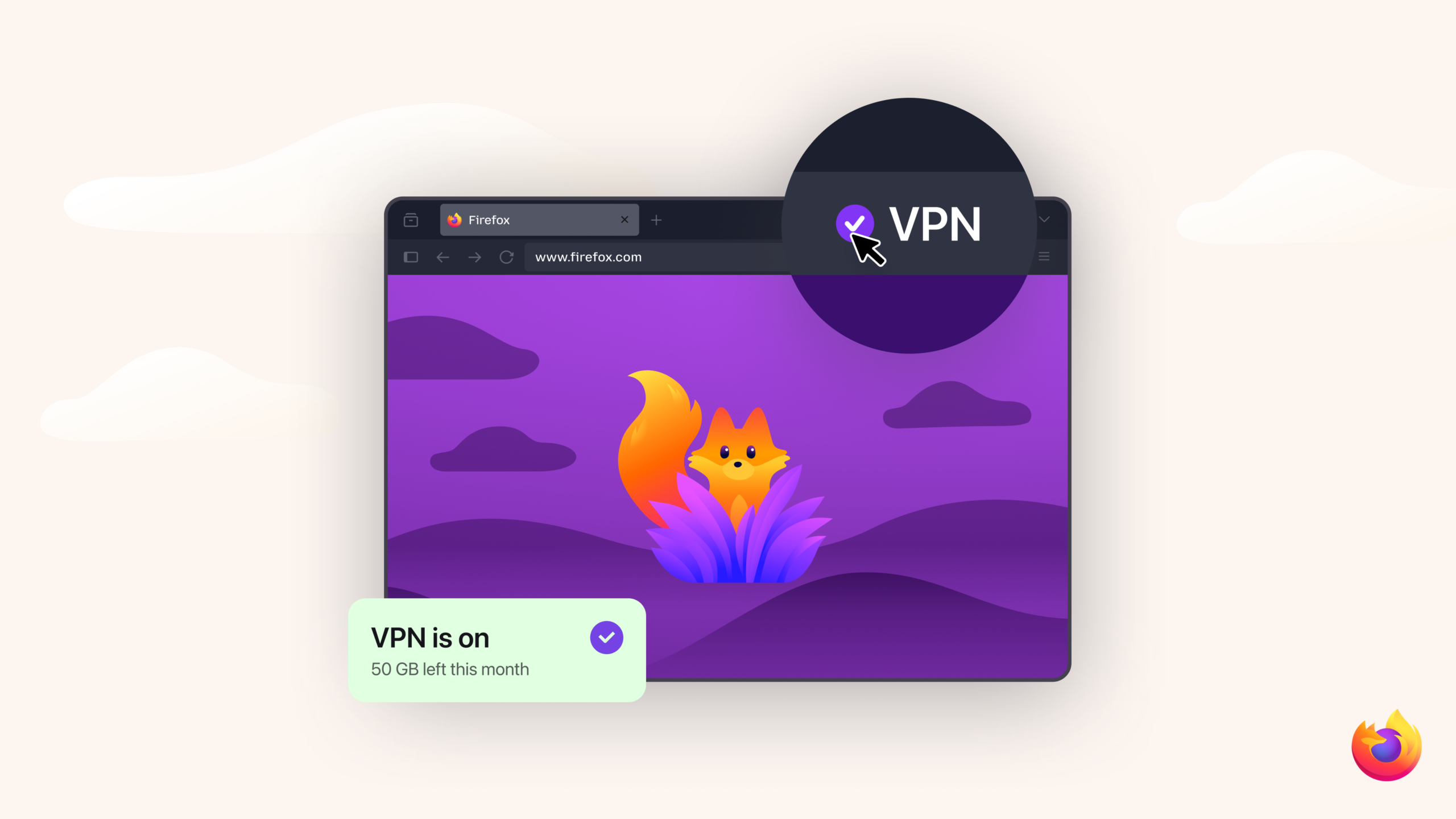
Fast VPN Browser: What It Is and How to Choose One
A fast VPN browser can help you browse with greater privacy while keeping pages responsive. But “VPN browser” can mean different things: some browsers include a built-in proxy or VPN-like feature, while others work alongside a separate VPN app. Understanding the difference can help you choose a suitable option and know what protection to expect.
What is a VPN browser?
A VPN, or virtual private network, routes your internet traffic through a server operated by a VPN provider. This can hide your IP address from the websites you visit and help protect traffic on networks you do not control, such as public Wi-Fi. A VPN browser usually provides this kind of routing for browser traffic only.
That distinction matters. A browser-based feature may not cover other apps on your device, such as email clients, games or software updates. Some features described as a “VPN” may also be encrypted proxy services rather than a full-device VPN. Check the provider’s documentation to see exactly what is covered.
What makes a VPN browser fast?
Using a VPN can add an extra step between your device and a website, so some reduction in speed is possible. The effect depends on several factors:
- Server location: A nearby server will often offer lower latency than one a long distance away.
- Server load: Busy servers may be slower, especially at peak times.
- Network quality: Your broadband or mobile connection remains an important part of overall performance.
- Encryption and routing: The provider’s technology and network design can affect speed.
- Browser performance: Extensions, open tabs and device hardware can also influence how quickly pages load.
“Fast” is not a guarantee of a particular browsing speed. Results can vary by location, device, internet provider and time of day.
How to choose a fast VPN browser
Speed is useful, but it should not be the only consideration. Look for clear information about how the service works and what data it collects. A reputable provider should explain its privacy policy in straightforward terms, including whether it records browsing activity, connection timestamps or other identifying information.
It is also worth checking:
- Coverage: Does the feature protect only browser traffic, or all traffic from your device?
- Server locations: Are there servers close to where you live or commonly browse?
- Independent checks: Has the provider’s security or privacy approach been independently audited?
- Security features: Does it offer protections such as DNS leak prevention or a kill switch, where relevant?
- Terms and limitations: Are there data caps, speed limits or restrictions on certain activities?
- Cost and support: Is the service’s pricing clear, and is help available if something goes wrong?
Be cautious of services that promise complete anonymity, unlimited speed or protection from every online threat. A VPN can improve privacy in some situations, but it does not make you invisible online or prevent phishing, malware or tracking through account logins and browser cookies.
Tips for improving browsing speed
If a VPN browser feels slow, try selecting a nearby server, closing unused tabs and disabling extensions you do not need. You can also compare performance with and without the VPN feature enabled. If the difference remains large, check whether the provider recommends a particular server or connection setting.
Remember that a browser VPN will not necessarily protect traffic from other applications. If you need coverage for your whole device, consider a trusted full-device VPN and confirm which apps and connection types it supports.
Is a fast VPN browser right for you?
A VPN browser may suit people who want a convenient way to route browser traffic through a VPN-like service without changing settings across their entire device. It can be useful for everyday browsing, particularly on unfamiliar networks, provided you understand its limits.
Before choosing one, compare privacy practices, security features and coverage as well as speed. The right option is not simply the fastest browser: it is one that performs well while clearly explaining how it protects your connection and handles your data.
Top 5 Advantages of Using a Fast VPN Browser: Enhanced Privacy and Speed
- Can help keep browsing responsive while using a VPN.
- May hide your IP address from websites.
- Can protect browser traffic on public Wi-Fi.
- Often quick to set up and use.
- May include privacy features in one browser.
Considerations When Using Fast VPN Browsers: Potential Slowdowns, Limited Protection, and Privacy Concerns
- May slow down your connection.
- Browser-only VPNs may not protect other apps.
- Free services may collect or sell your data.
Can help keep browsing responsive while using a VPN.
A fast VPN browser can help keep pages loading smoothly while your connection is routed through a VPN. By choosing an efficient service with well-positioned servers, you may be able to enjoy added privacy without noticeable delays when browsing, streaming or using web apps. Actual speeds can vary depending on your internet connection, server location and network traffic.
May hide your IP address from websites.
A fast VPN browser can route your browsing traffic through a VPN server, so websites may see the server’s IP address instead of your own. This can help conceal your approximate location and make it harder for sites to link visits to your home or mobile connection. However, it does not make you anonymous: websites may still identify you through account log-ins, cookies or other tracking methods, and the level of protection depends on how the browser’s VPN feature works.
Can protect browser traffic on public Wi-Fi.
A fast VPN browser can add an extra layer of protection when you browse on public Wi-Fi in places such as cafés, hotels or airports. By routing browser traffic through an encrypted connection, it can make that data harder for others on the same network to intercept. Protection varies between services, and a browser VPN may cover only activity within the browser, so check what is included before relying on it.
Often quick to set up and use.
One of the main advantages of a fast VPN browser is that it is often quick to set up and use. In many cases, you can enable the VPN feature directly in the browser settings, choose a server and start browsing without installing or configuring a separate app. This makes it a convenient option for people who want a straightforward way to route their browser traffic through a VPN.
May include privacy features in one browser.
A fast VPN browser may bring several privacy features together in one convenient place, making them easier to manage while you browse. Depending on the browser, these could include encrypted connections, tracker blocking and controls to limit cookies or unwanted adverts. Having these tools built in can simplify your setup, though it is worth checking what each feature covers and whether the VPN protects only browser traffic or your whole device.
May slow down your connection.
A fast VPN browser may still slow down your internet connection because your traffic is routed through an extra server before reaching websites. The impact can vary depending on the server’s distance and workload, your internet connection and the VPN service’s technology. Choosing a nearby server may help, but some reduction in browsing speed can still occur.
Browser-only VPNs may not protect other apps.
A browser-only VPN protects traffic sent through the browser, but it may not cover other apps on your device. Email clients, messaging apps, games and background services could still connect directly to the internet, potentially exposing your IP address or leaving their traffic outside the VPN’s protection. Check the provider’s details carefully, and consider a full-device VPN if you want coverage beyond your browser.
Free services may collect or sell your data.
Free fast VPN browser services may come at the cost of your privacy. Some providers collect information about your browsing habits, device or location, and may share or sell that data to third parties. Before using a free service, read its privacy policy carefully and check what information is logged, how it is used and whether it is shared.